OpenAI Dots: What They Are, How to Use Them, and Best Use Cases
What OpenAI's new always-on Dots agents are, who can use them today, how to set one up, and the best use cases for your business.
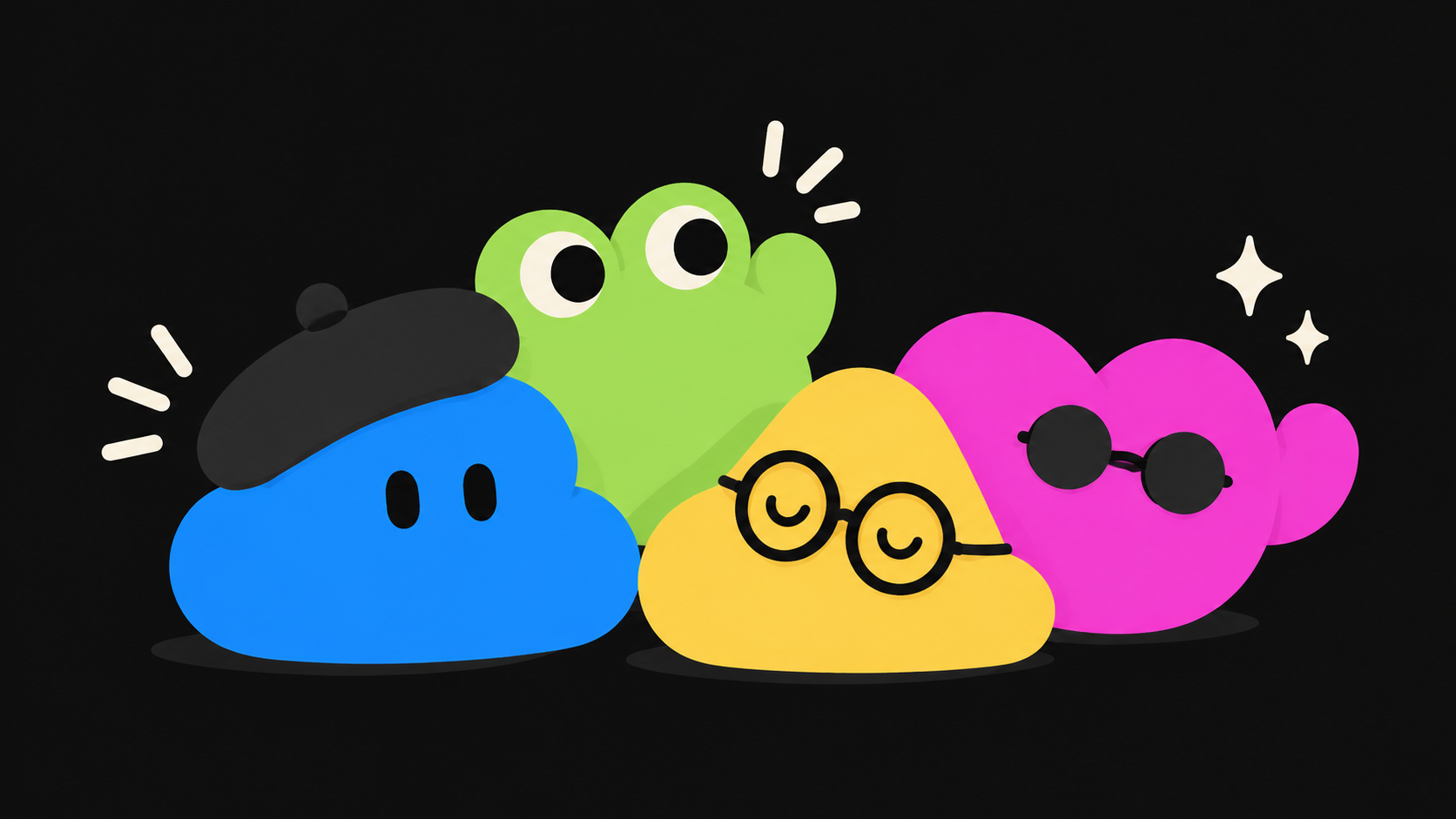
OpenAI announced Dots at DevDay on Tuesday, September 29, 2026. They are always-on AI assistants that work on your goals in the background instead of waiting for a prompt. Here is what they do, who can use them today, and where they fit.
What are Dots?
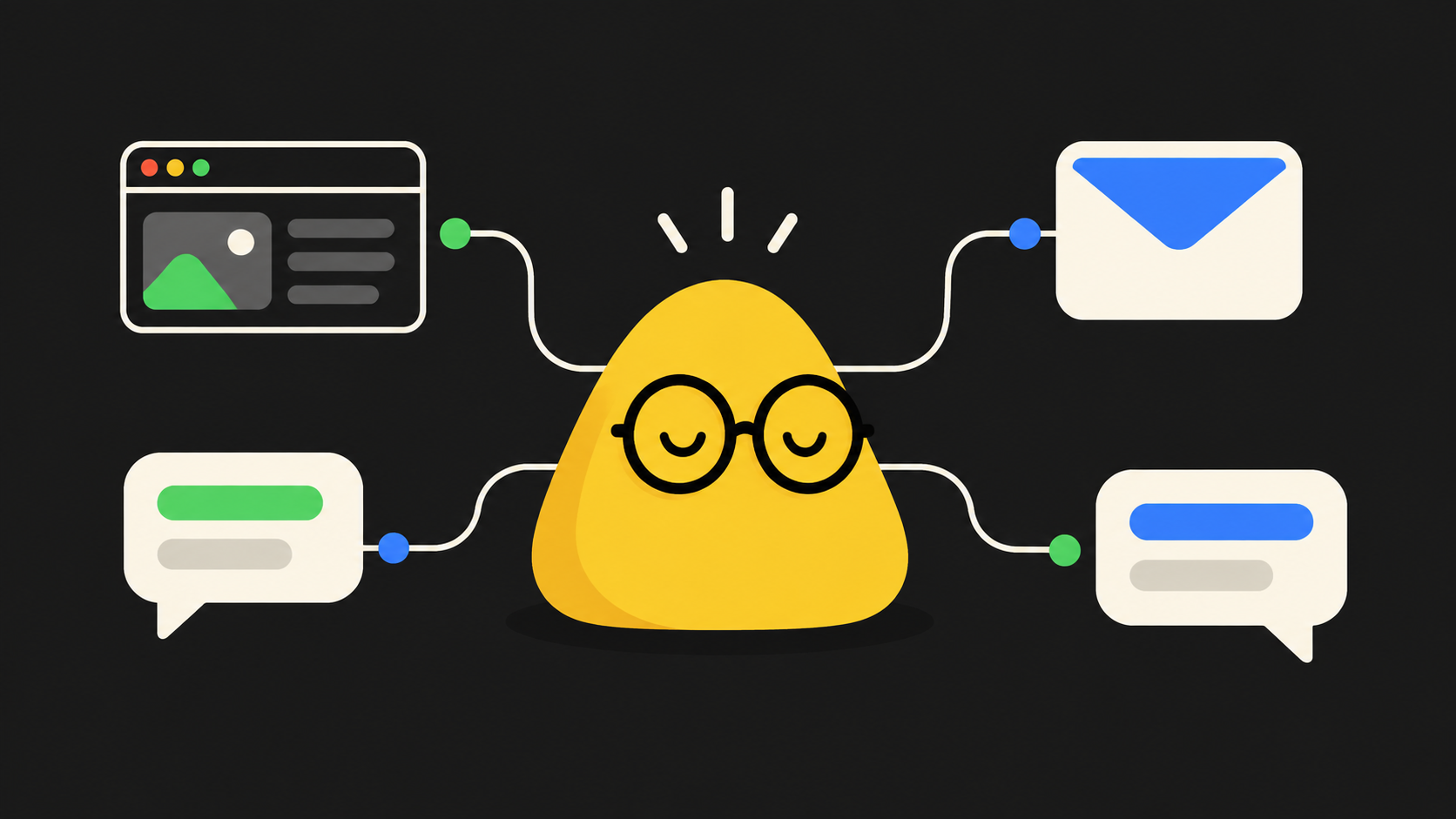
A Dot is a personal AI agent powered by OpenAI's GPT-6 Astra model. You name it, give it a goal, and it keeps working while you do something else. It messages you with updates and questions.
What makes it different from a chatbot:
- It has its own cloud computer. It can use a web browser and more than 4,000 supported apps.
- It is always on. It works in the background and learns your preferences over time.
- It lives where you work. You can talk to it in ChatGPT (text or voice call), Slack and Microsoft Teams. Text message support is coming, with a waitlist for iMessage and RCS.
- You can watch it work by opening its cloud computer.
OpenAI also says it is testing "specialist" Dots for specific roles inside a company.
Who can use it today
Dots started rolling out on launch day to ChatGPT Pro (USD 100 a month), Business Premium and Enterprise users, in eligible markets. For now you can create one Dot. OpenAI says multiple Dots are planned.
How to get started
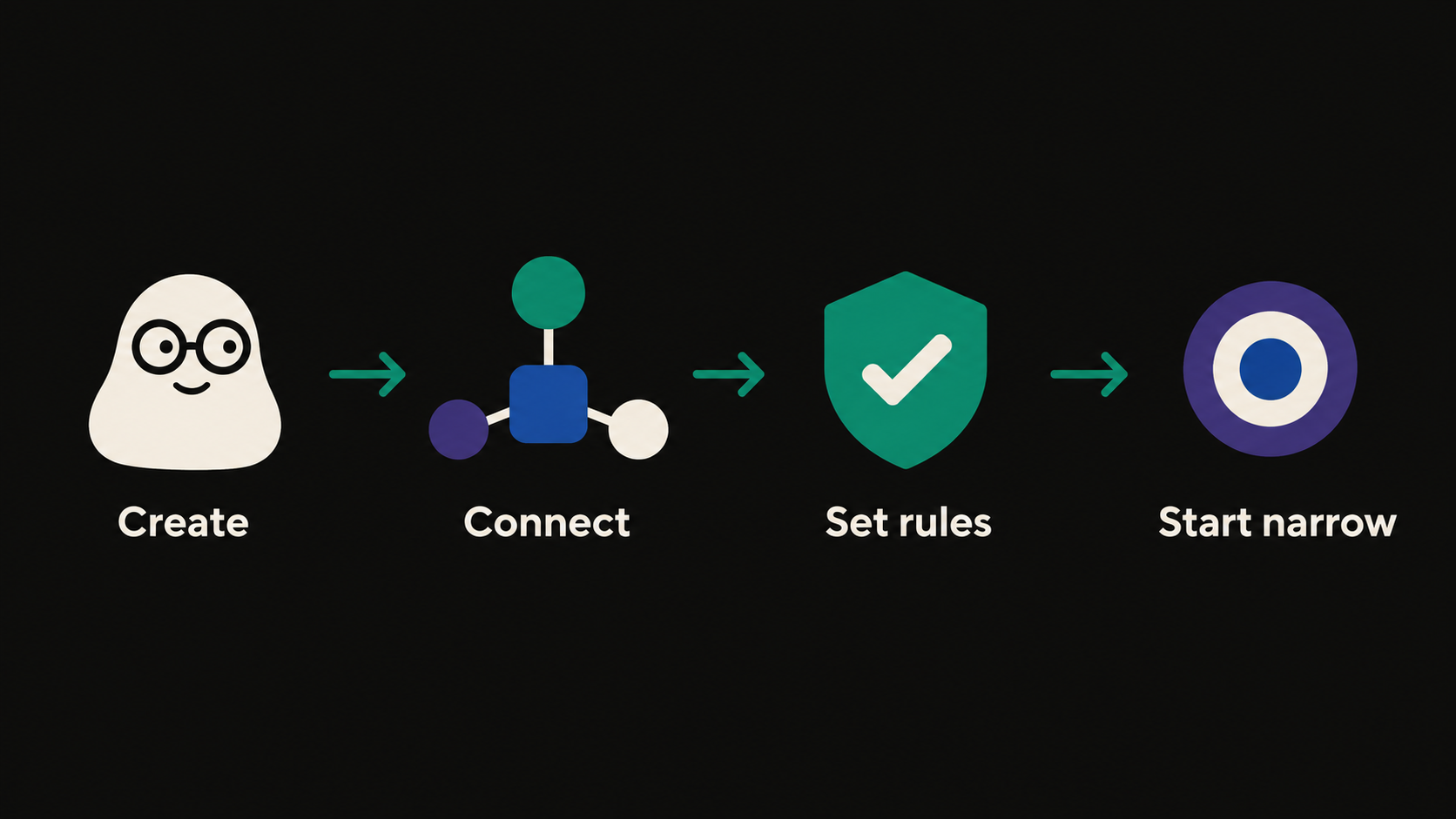
- Open ChatGPT on an eligible plan and create your primary Dot. Give it a name.
- Connect the apps it should use (email, calendar, Slack or Teams, your tools).
- Set custom rules first: what it must never do, and what it must ask you about. By default it asks approval for sensitive steps such as installing software or changing a password.
- Start with one narrow, repeatable task. Review what it did before you widen the job.
Best use cases
These are the examples OpenAI and early coverage describe, plus what they mean for a business:
- Product feedback loop. A developer's Dot reads customer feedback, builds and tests updates, and shows a video of the change.
- Content work. A Dot reviews an interview transcript, finds clip moments, writes show notes and drafts social posts.
- Research and analysis. A scientist's Dot reruns an analysis when new experimental data comes in.
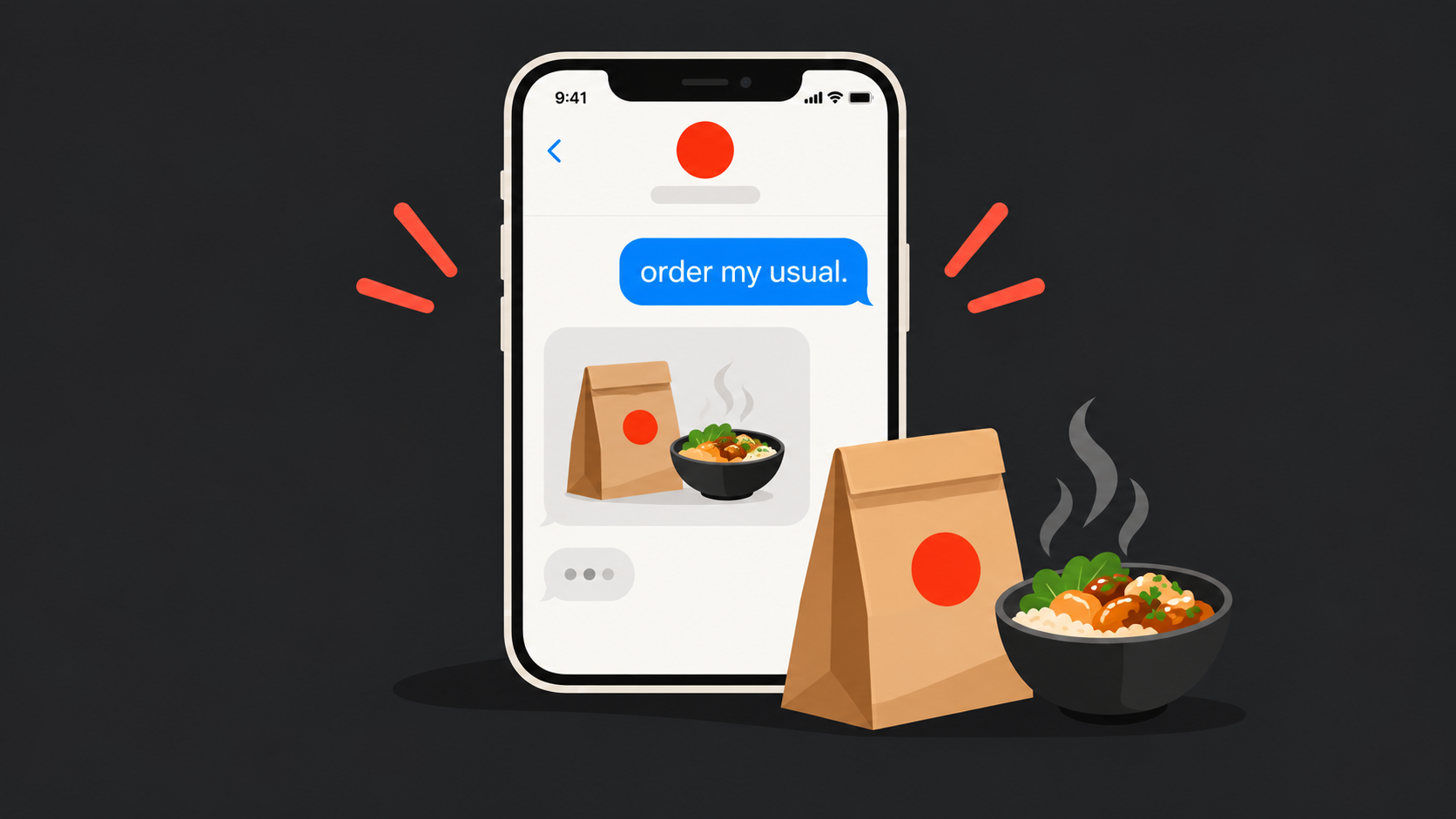
- Daily logistics. One demo had a Dot notice a calendar blocked through dinner and offer two food delivery options with prices.
- Team assistant. A Dot in Slack or Teams carries context from your other sessions and devices.
What this means if you are building a product
Dots are a general assistant. Most businesses will still want an agent that knows their own data, follows their own rules and lives inside their own app. That is a different build.
Three things to think about:
- Your customers will soon expect an agent in your product. Personal agents are going mainstream fast, and users will ask why your app can't act for them.
- Permissions are the hard part. Even OpenAI ships custom rules and auto-review. An agent that can act for a user needs clear limits, logs and human approval for risky steps.
- General agents and custom agents are not rivals. A Dot can work across many apps. A custom agent inside your product can go deep on your workflows, data and compliance needs.
Should you use Dots or build your own agent?
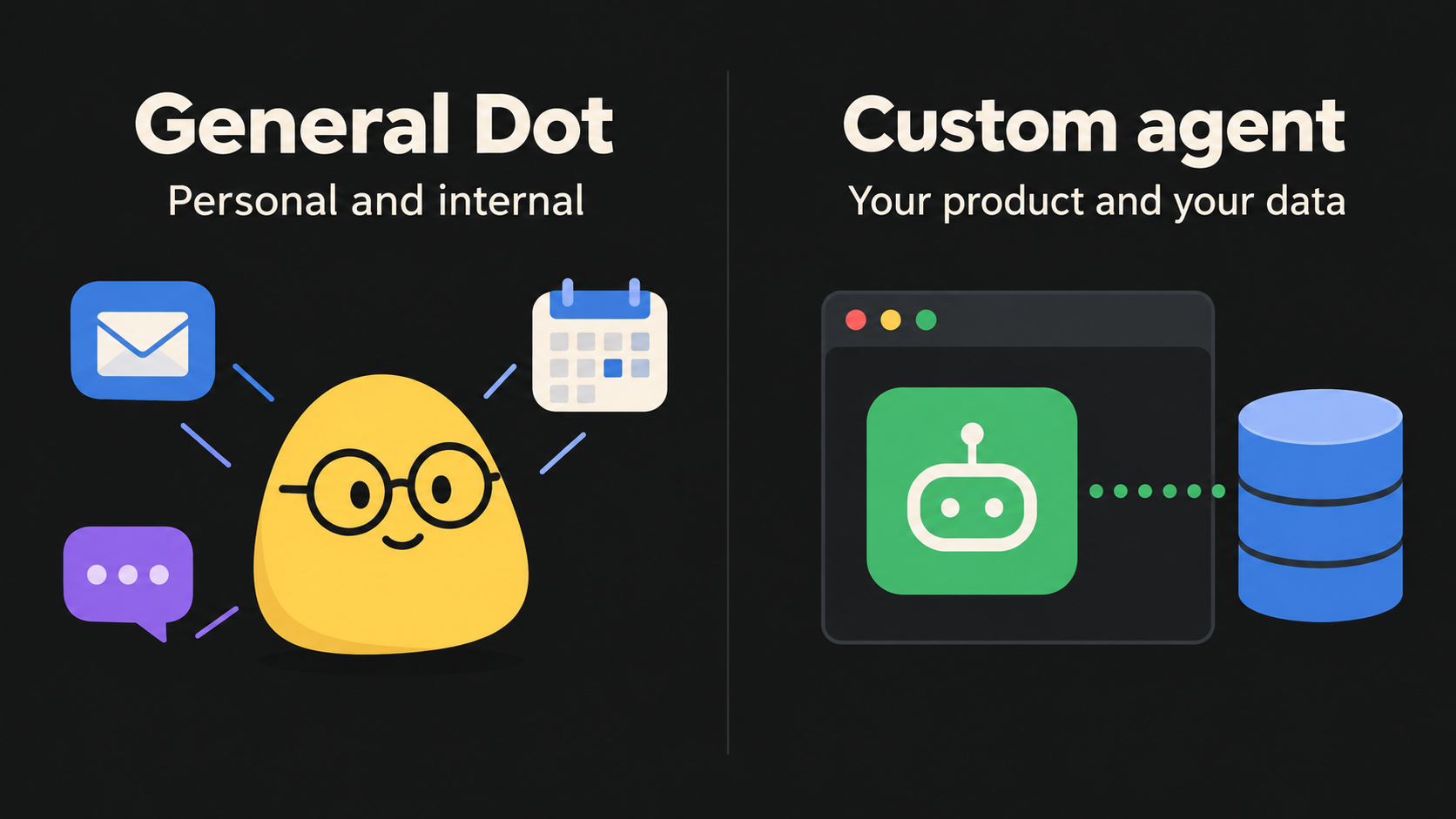
- Use a Dot for personal and internal productivity.
- Build a custom agent when it must serve your customers, handle regulated data, or be part of your product.
If you are planning an AI agent for your product, we can scope it with you. Book a 30-minute discovery call.
Sources: The Verge, TechCrunch and WIRED, all September 29, 2026.