How to evaluate courier dispatch software: follow one order, not five feature screens
Before buying courier dispatch software, follow one test order across dispatch, rider work, tracking and delivery proof. Then interrupt a handoff and record what recovers, what remains untested and what needs separate scope.
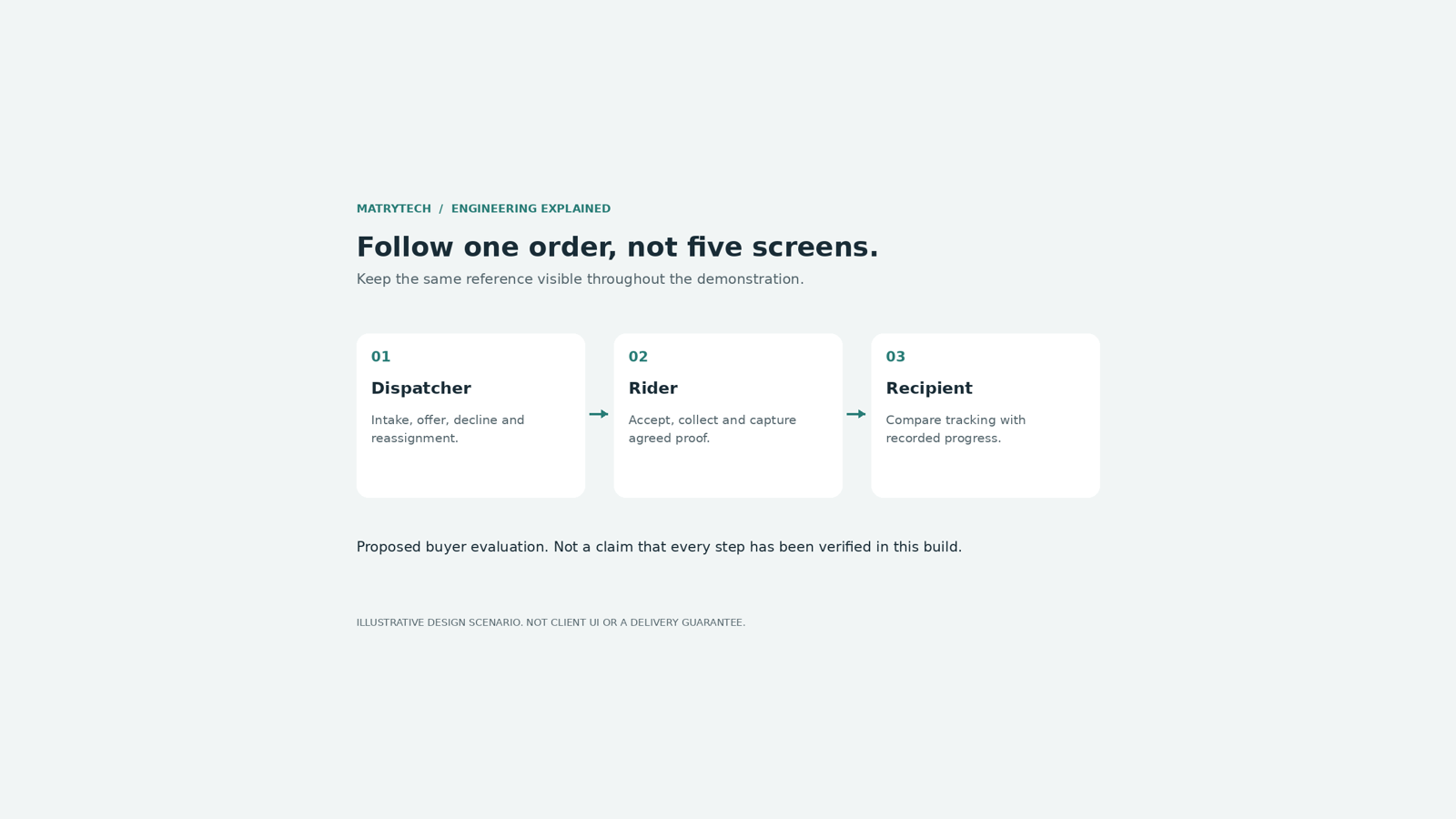
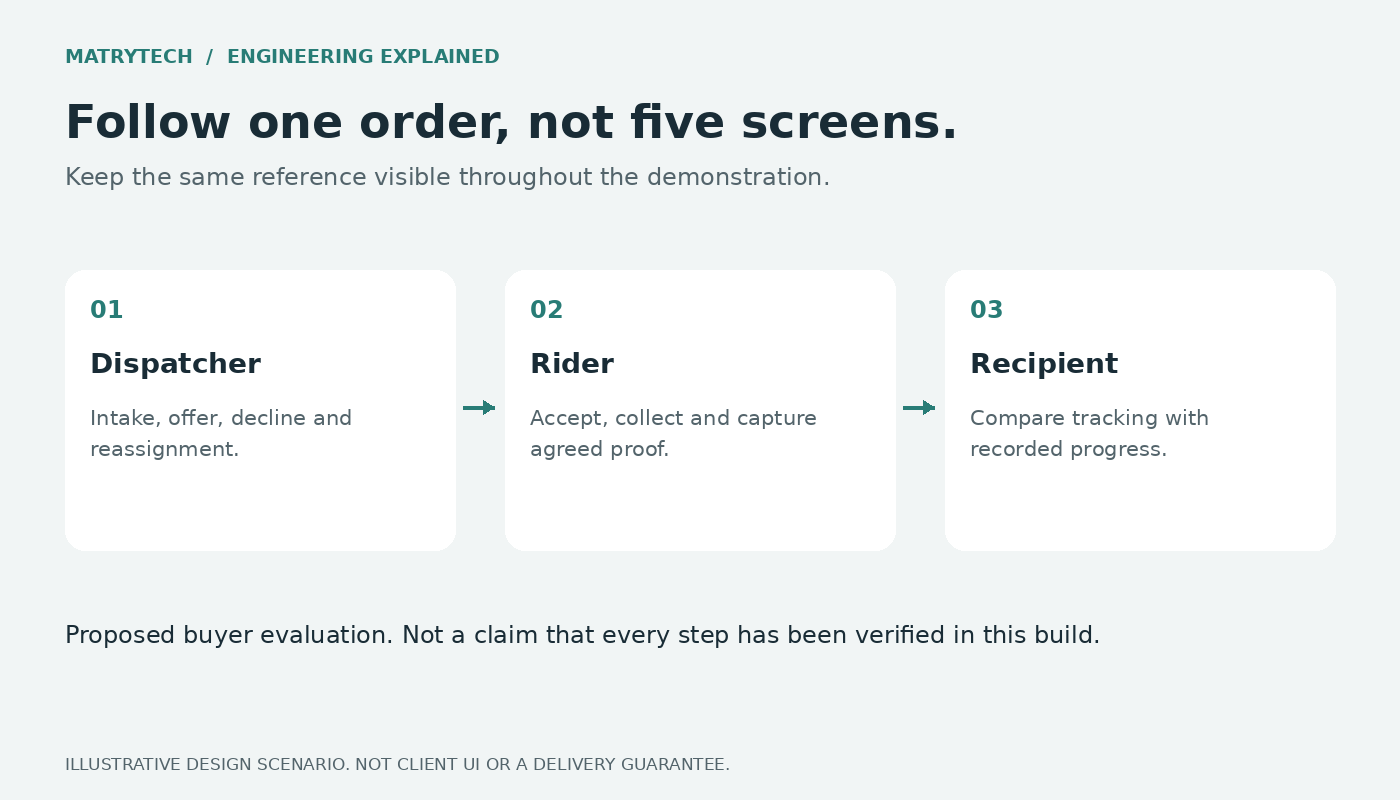
Before choosing courier dispatch software, ask the vendor to follow one test order across the dispatcher portal, rider app and customer tracking link. Then interrupt one handoff and watch how it recovers.
A map, an order board and a proof-of-delivery screen each show part of a product. The buying question is whether they describe the same order accurately when a rider declines, a connection drops or an update has to be retried.
This guide is for courier operators, local delivery startups and businesses managing their own riders. It is a proposed evaluation checklist, not a claim that Matrytech or another vendor has passed every test below. Use sample recipients and test data, not a live customer's delivery.
Start with an order from your actual workflow
Bring a representative parcel job to the walkthrough: pickup and drop-off details, parcel count, the information your dispatcher needs, and the system where the order starts. Remove real customer identifiers before sharing it.
If your orders come from another application, ask the vendor to demonstrate that intake route or mark the integration untested. Typing a job directly into an admin panel does not demonstrate that your external system is connected.
Keep the order reference visible throughout. Ask which record links the external request, dispatch decision, rider work, customer tracking and completion evidence. A walkthrough that switches between unrelated sample orders cannot demonstrate that chain.
1. Intake: what happens when the sender is unsure?
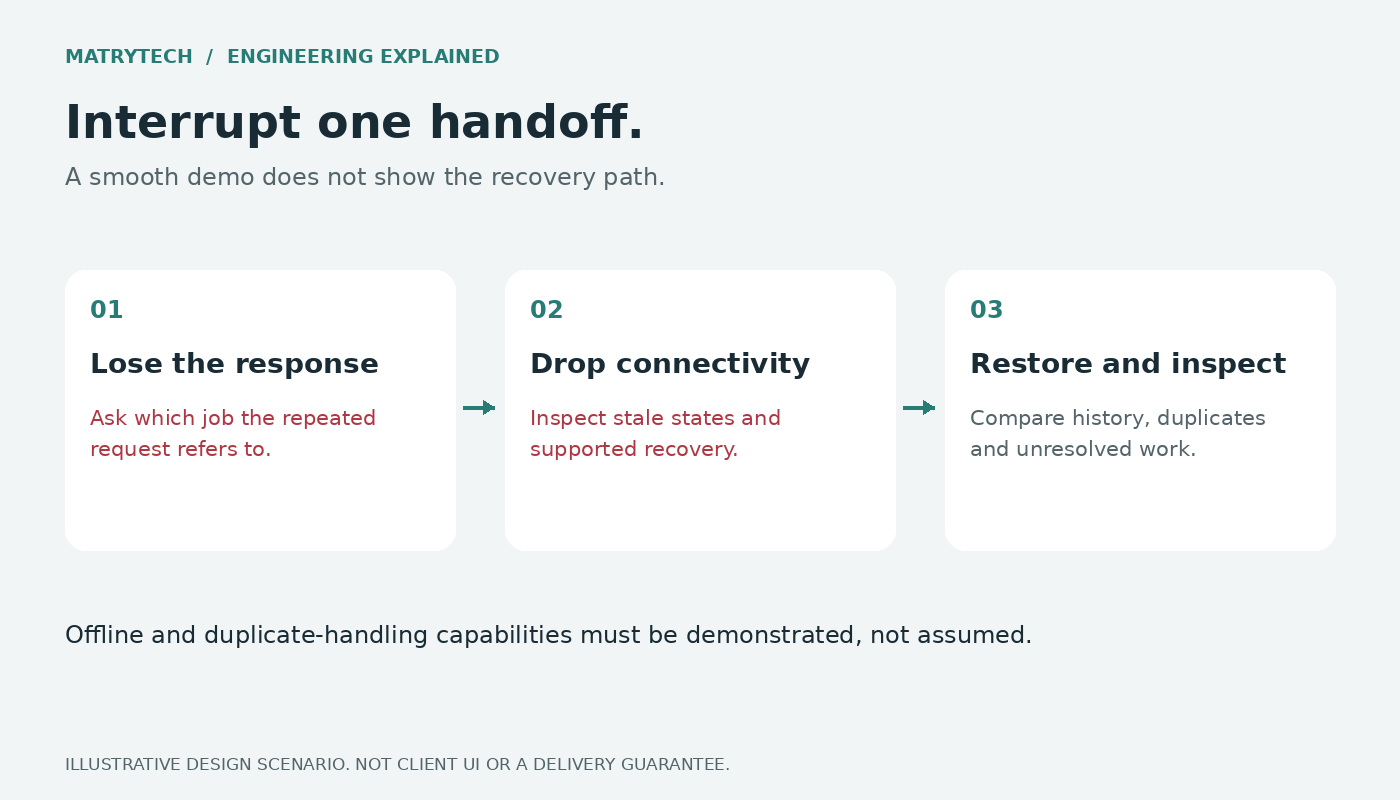
Create the test order through the proposed intake path. Check that the dispatcher sees the relevant addresses and parcel details, and that the source system receives a useful acknowledgement.
Now simulate a lost response and repeat the same business request using the vendor's supported retry mechanism. Ask whether this retrieves or safely retries the original job, creates a second job, or rejects the request. The expected behaviour must be agreed for that integration.
Do not assume that an API, webhook or "sync" label proves duplicate protection. Ask where the request identity is recorded and which error cases remain unresolved. If the required mechanism is additional work, put it in the scope rather than treating it as included.
2. Assignment: follow the offer to an actual rider response
Show the job being offered to an eligible test rider. Have that rider decline or let the offer expire. Then inspect what the dispatcher sees and what happens next.
Ask who is eligible, how another offer is made, and when a human must take over. A rider dot close to a pickup does not, by itself, establish that the rider is on shift, available or suitable for the job.
Next, demonstrate manual assignment and a reassignment. Check what the old and new rider can see, and how an outdated acceptance is handled. These are evaluation requirements to discuss, not features to presume from a sales slide.
3. Tracking: separate the last update from the current reality
Move the same order through accepted and picked-up states, then open its customer tracking link. Compare the dispatcher, rider and recipient views.
Ask what each timestamp means. A recent page refresh is not necessarily a recent rider-location update. An estimated arrival time is an estimate, not proof of where the parcel is or a guaranteed delivery time.
Temporarily remove connectivity from the test rider device. Check which actions remain available, what is saved locally if anything, and how the portal communicates that updates may be stale. Reconnect and inspect the resulting order history.
Some products advertise offline workflows. For example, Onfleet describes offline driver activity syncing after reconnection. That is a vendor-specific capability, not evidence that every courier app supports it or that Matrytech's current platform has passed this scenario. If offline work matters to your operation, make its exact limits and device tests part of acceptance.
4. Completion: ask for evidence, not only a green status
Agree what counts as delivery proof for your operation: for example a photo or a recipient code, where supported and appropriate. Different products offer different combinations; a generic proof-of-delivery label is not a full specification.
Complete the test delivery using the agreed method. Reopen the order from the dispatcher side and inspect the evidence, its association with the right job, and the recorded event history. Ask who can access the evidence and how long it is retained.
Then attempt to complete the same job again. Ask how repeated actions and delayed uploads are handled. Also show a failed attempt or an unavailable recipient, and distinguish that state from a completed delivery. A photograph alone does not independently prove every fact about a handoff.
5. External updates: what if your other system misses the event?
If your order system needs delivery updates, inspect the actual outgoing event or a test receiver, not just a notification setting. Ask how the receiving system verifies the source, which identifiers link the event to the order, and what happens when delivery fails.
Retry behaviour is product-specific. Onfleet's API documentation, for example, defines webhook retry limits and a condition that disables a repeatedly failing webhook. The point is not to apply those rules to every vendor. It is to get your vendor's actual delivery, recovery and alerting policy in writing.
An event sent by the courier platform and an event successfully applied by your business system are different checkpoints. Ask how your team can identify and investigate the gap.
Where Matrytech's current platform fits
Matrytech's current courier platform is presented as an existing licensed platform configured for an agreed workflow. Its published scope covers the dispatcher portal, Android rider app, parcel order details, automatic rider offers, manual assignment, delivery tracking, proof-of-delivery options, API intake and signed status webhooks. Exact configuration and any additional work are confirmed in writing.
It does not currently include a customer order-placement app, CSV bulk import, COD reconciliation, zone-based pricing or a prebuilt integration for your outside system. AI add-ons are separately scoped, not current included features. Offline behaviour, duplicate handling and the acceptance scenarios in this guide must be demonstrated and agreed; this article does not certify them as working in the current build.
The public sample video shows an order moving from Accepted to Picked up and a tracking view showing it on the way. It stops before delivery is complete and does not show the native rider map. It is a partial simulated preview, not proof of every workflow above.
Leave the walkthrough with a coverage record
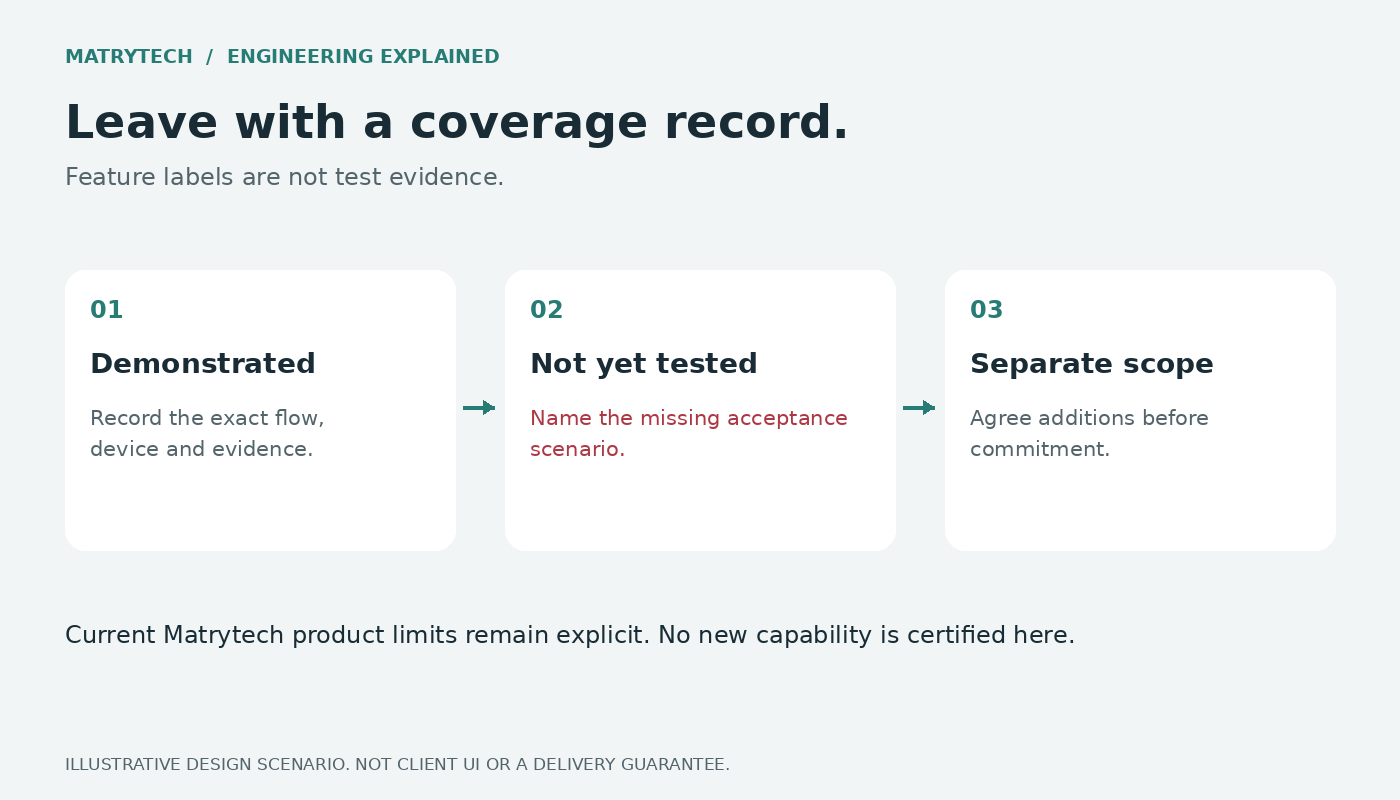
For each step, record four things: what your operation needs, what was demonstrated, what remains untested, and what needs separate work. Attach the relevant test evidence and agree who resolves each gap before acceptance.
This complements a feature list or cost comparison. It helps you compare the same operational journey across quotes instead of assuming that identical feature names mean identical behaviour.
If you are evaluating Matrytech's courier platform, bring one anonymised order workflow and your intake/integration requirements to a walkthrough. We can compare them with the current platform and define any additional scope. Deliverables, commercial terms and schedule are agreed in writing before work starts.
Further reading and sources
- Matrytech current courier platform, exclusions and preview limits: https://www.matrytech.com/products/white-label-courier-software
- Features and cost overview: https://www.matrytech.com/insights/building-a-courierlogistics-app-features-and-cost
- Onfleet driver app, including its vendor-described offline workflow: https://onfleet.com/driver-app
- Onfleet proof-of-delivery options: https://onfleet.com/proof-of-delivery
- Onfleet webhook events: https://docs.onfleet.com/reference/webhooks
- Onfleet webhook retry policy: https://docs.onfleet.com/reference/retry